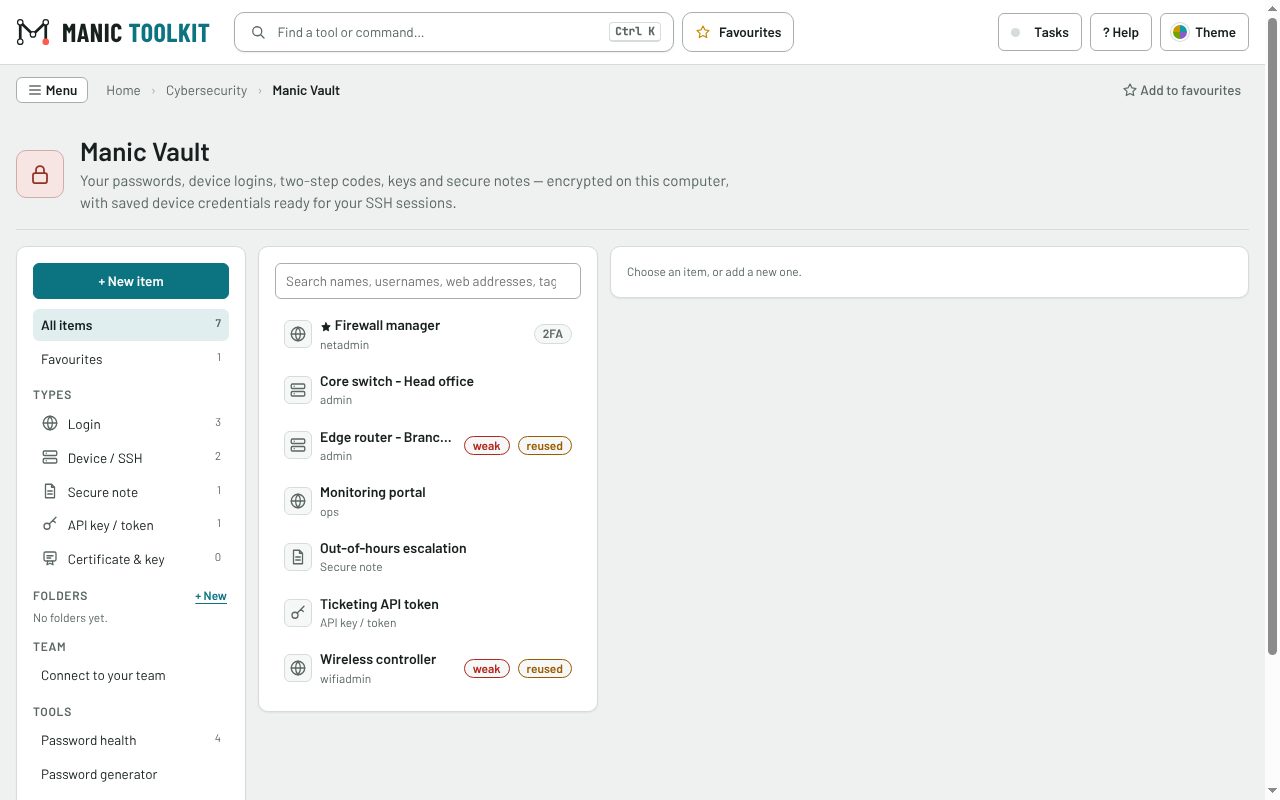
See your personal vault, then a shared team vault: items encrypted on each computer, a vault-server that only holds sealed data, confirmed members, per-collection access levels, roles, an audit log and a recovery code.
Screenshots
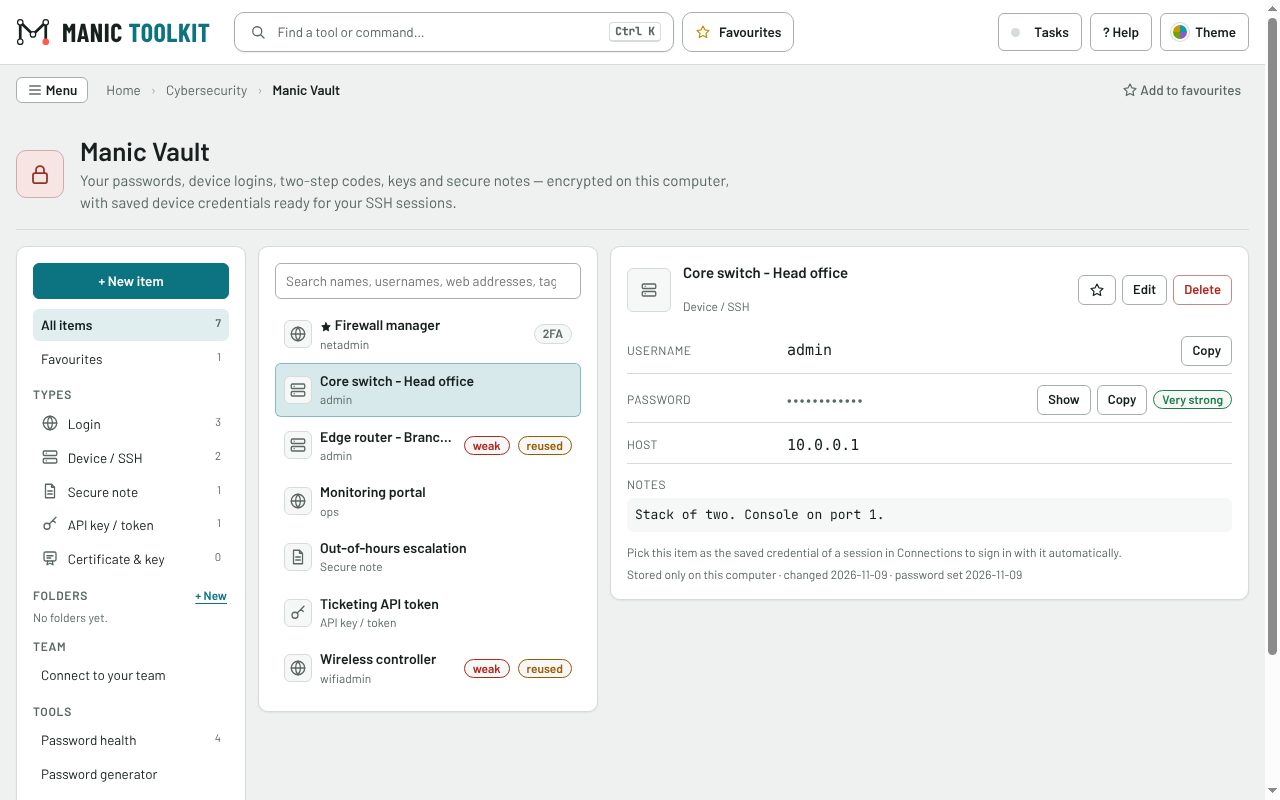
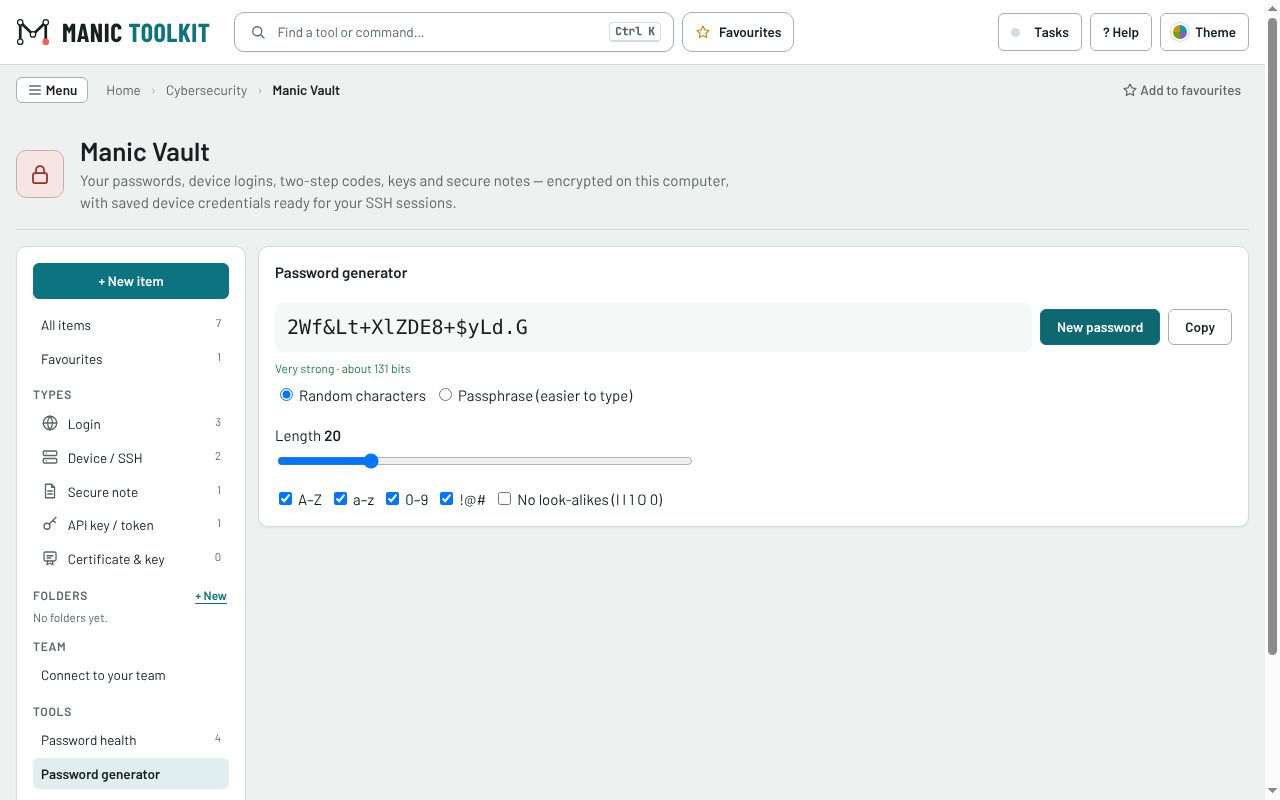
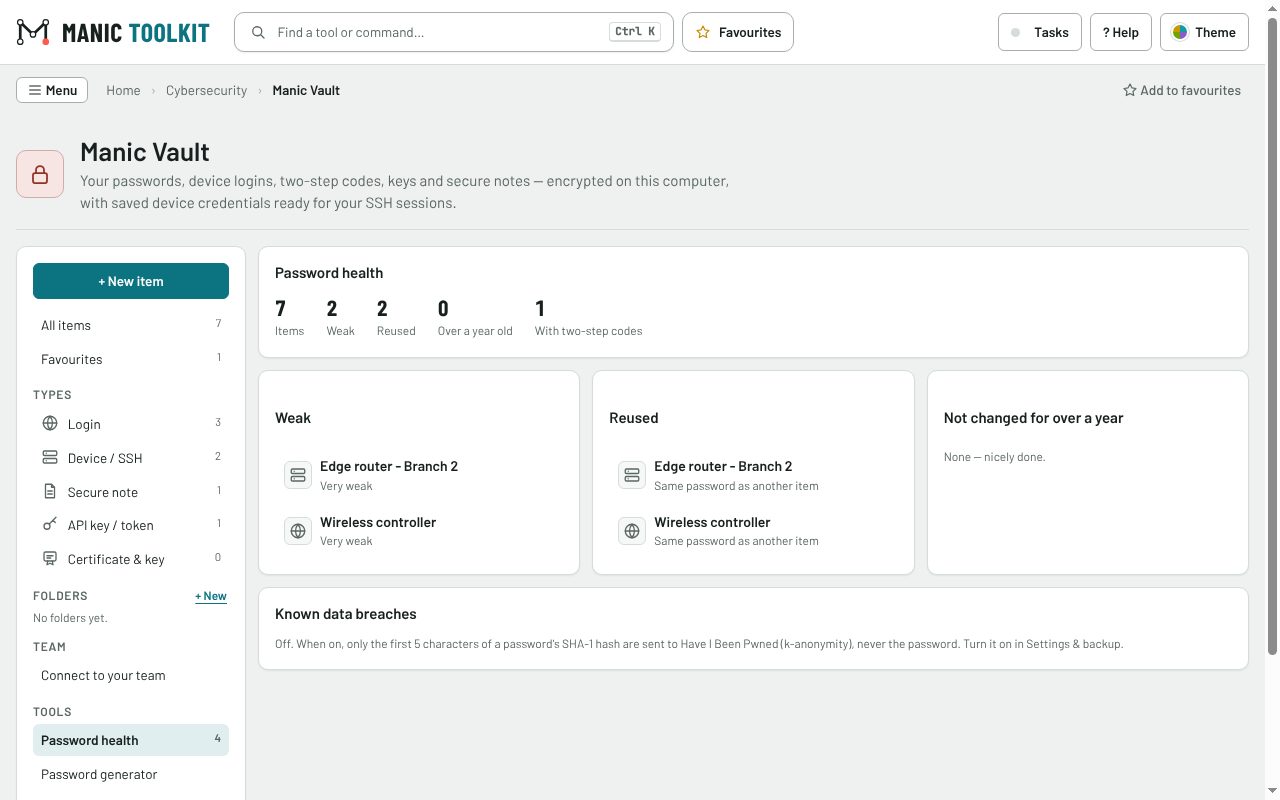
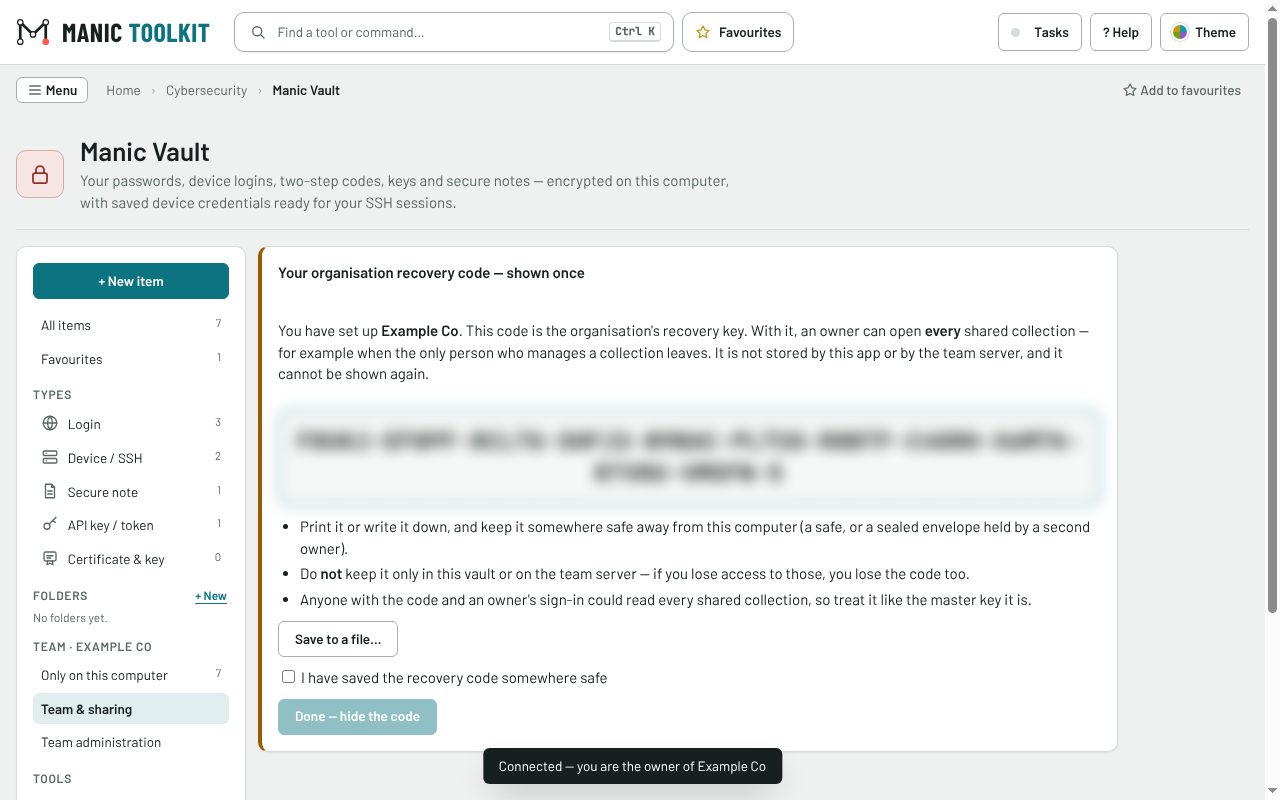
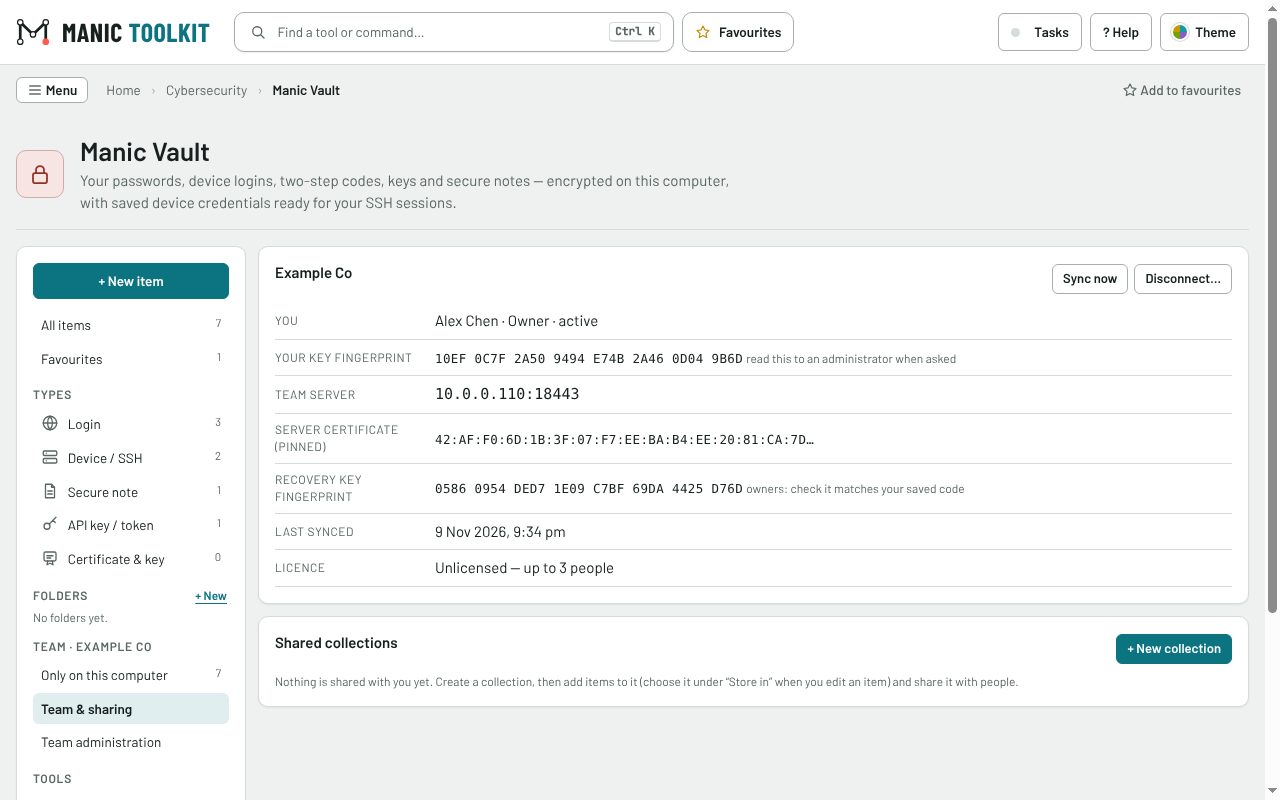
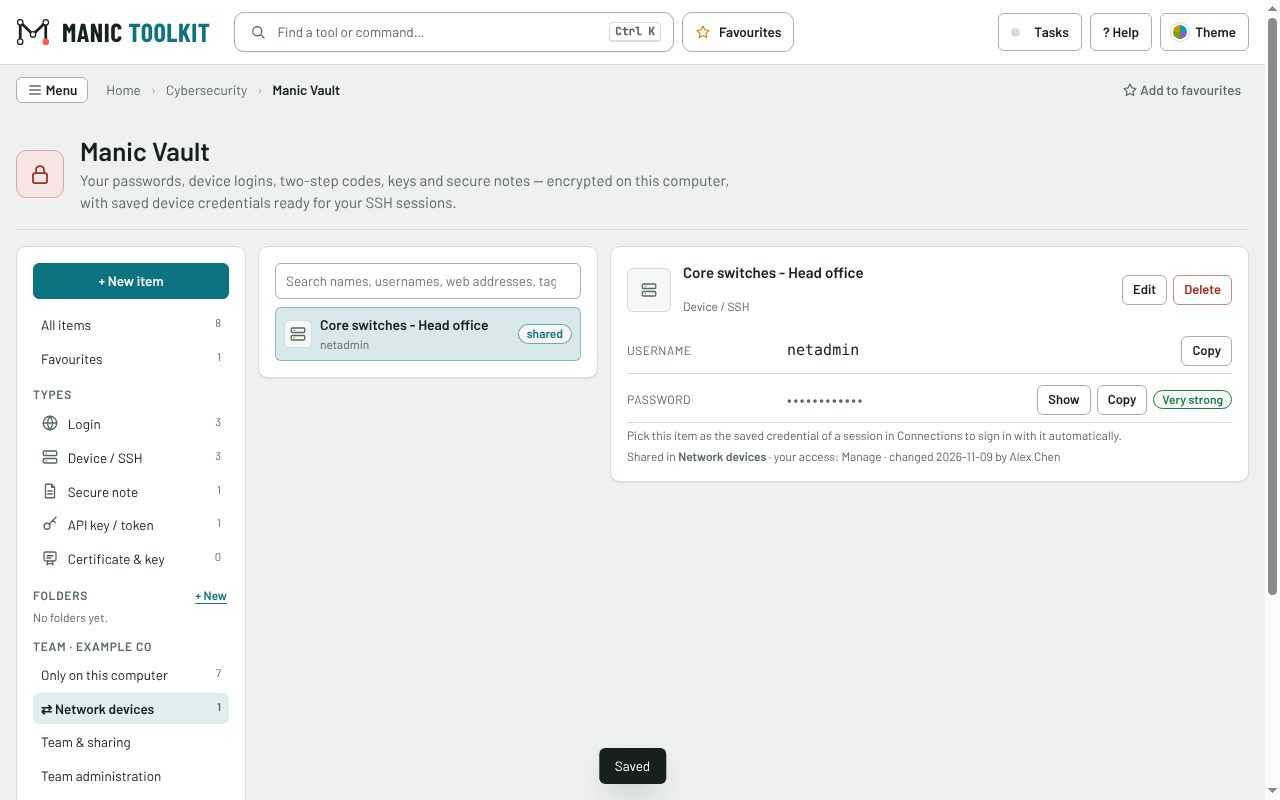
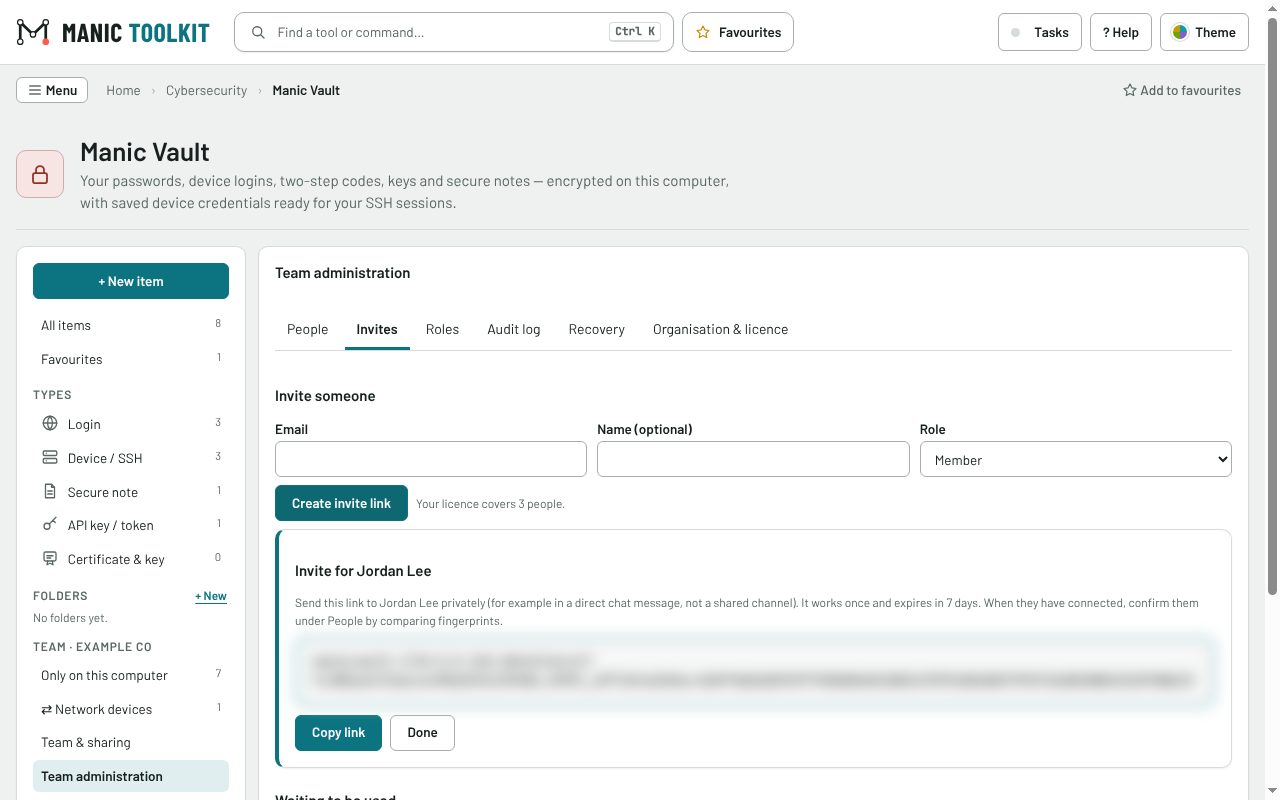
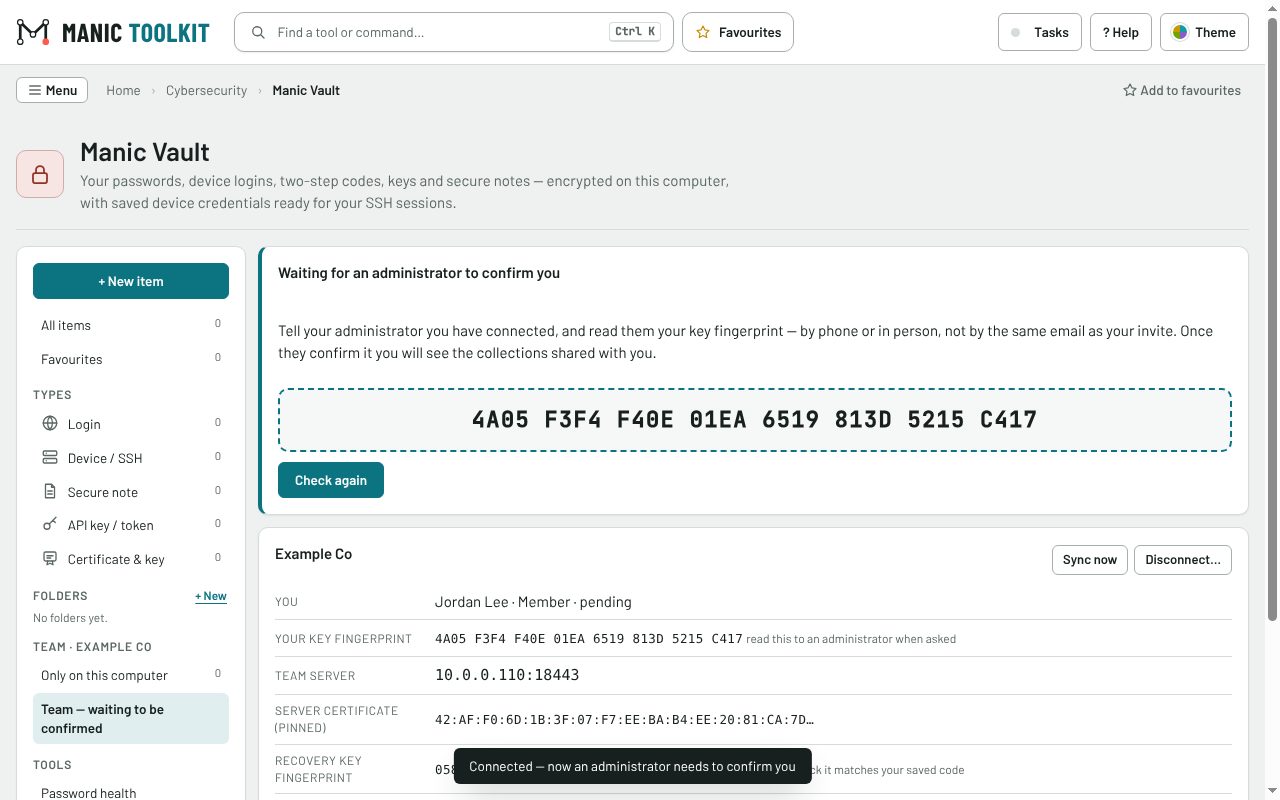
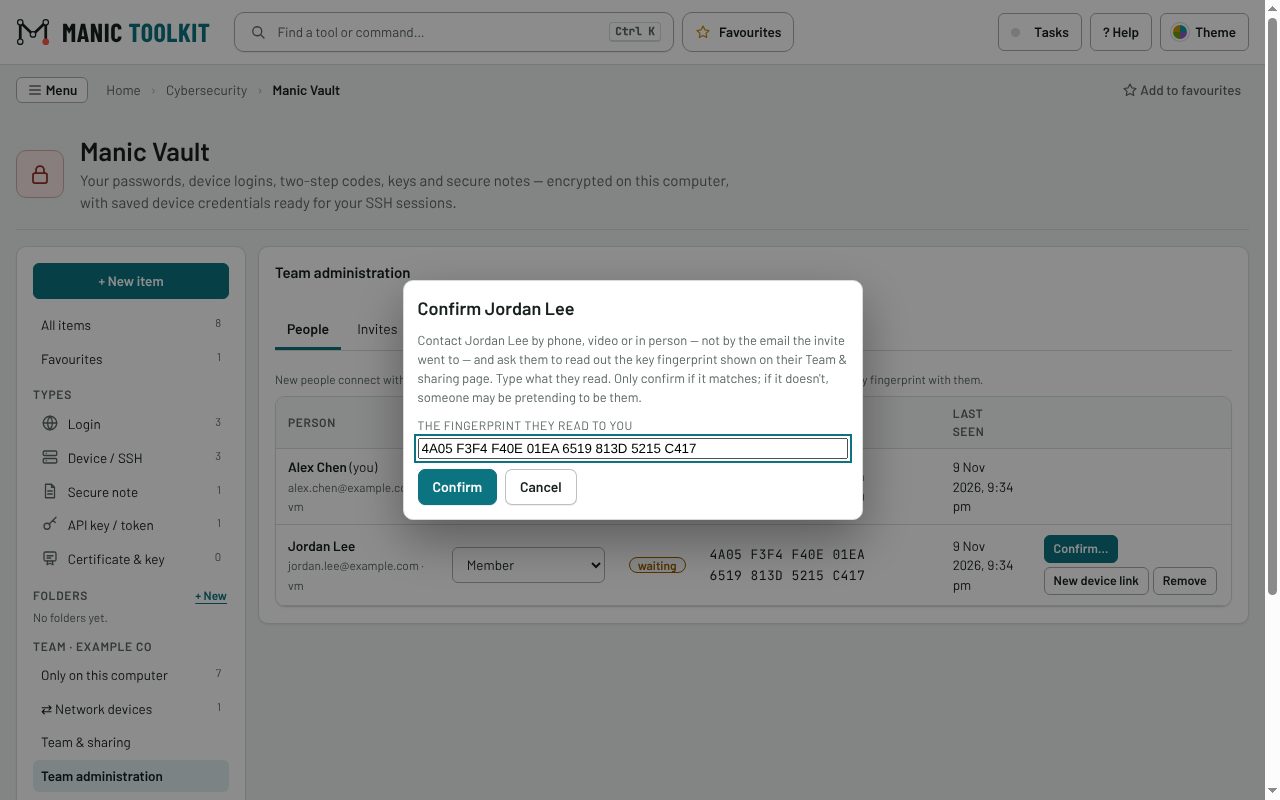
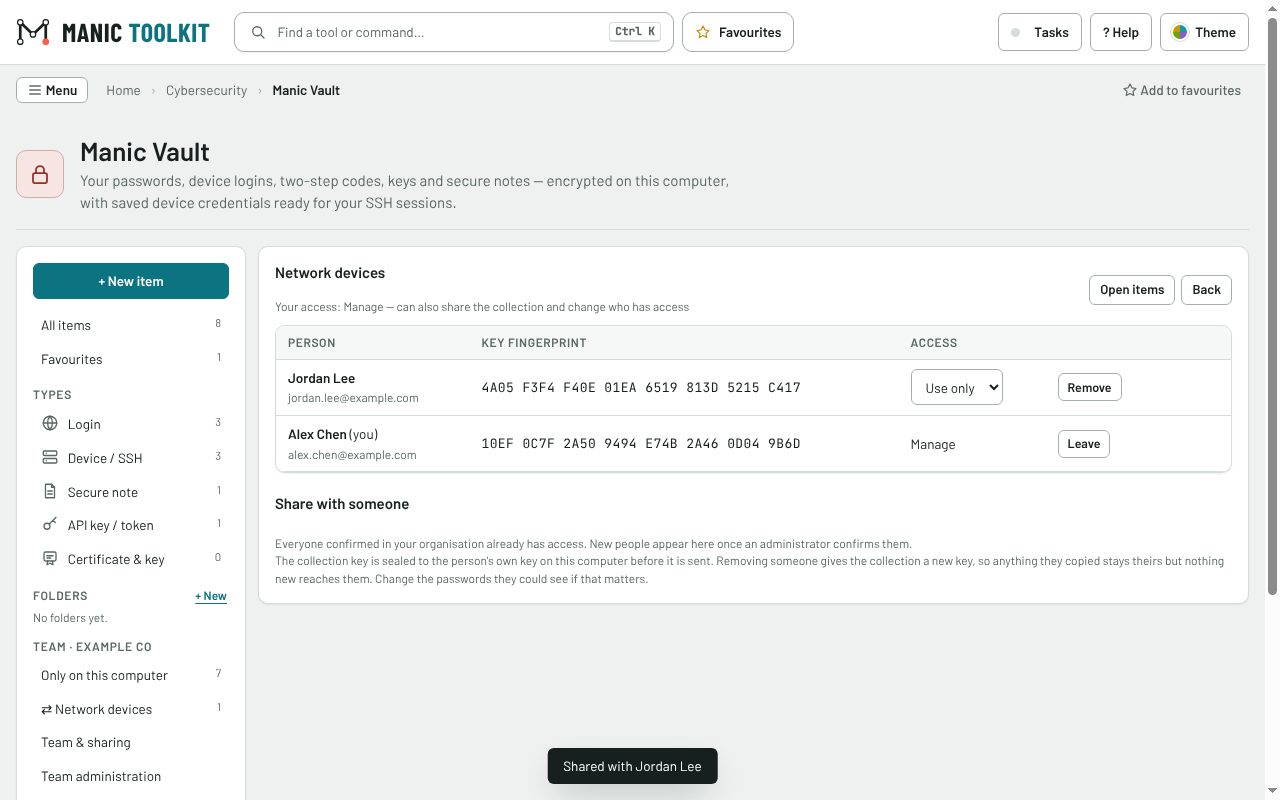
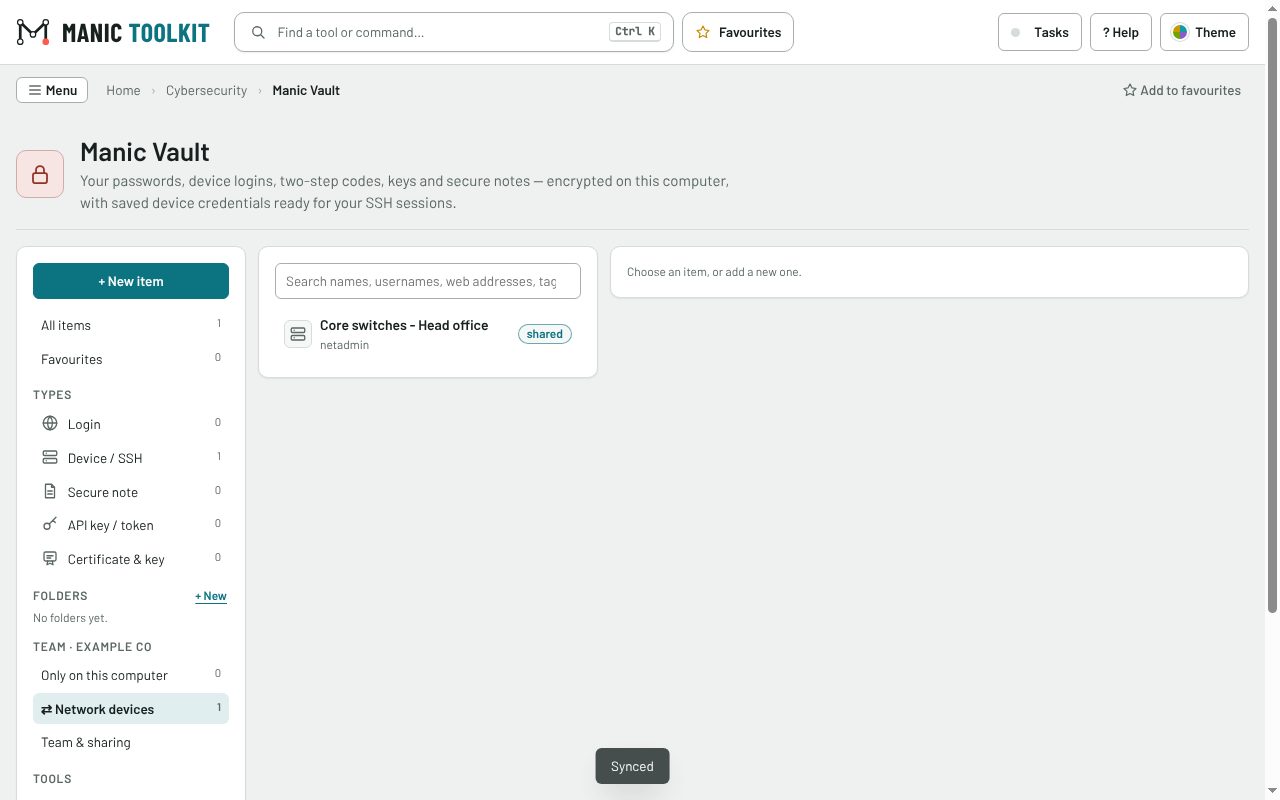
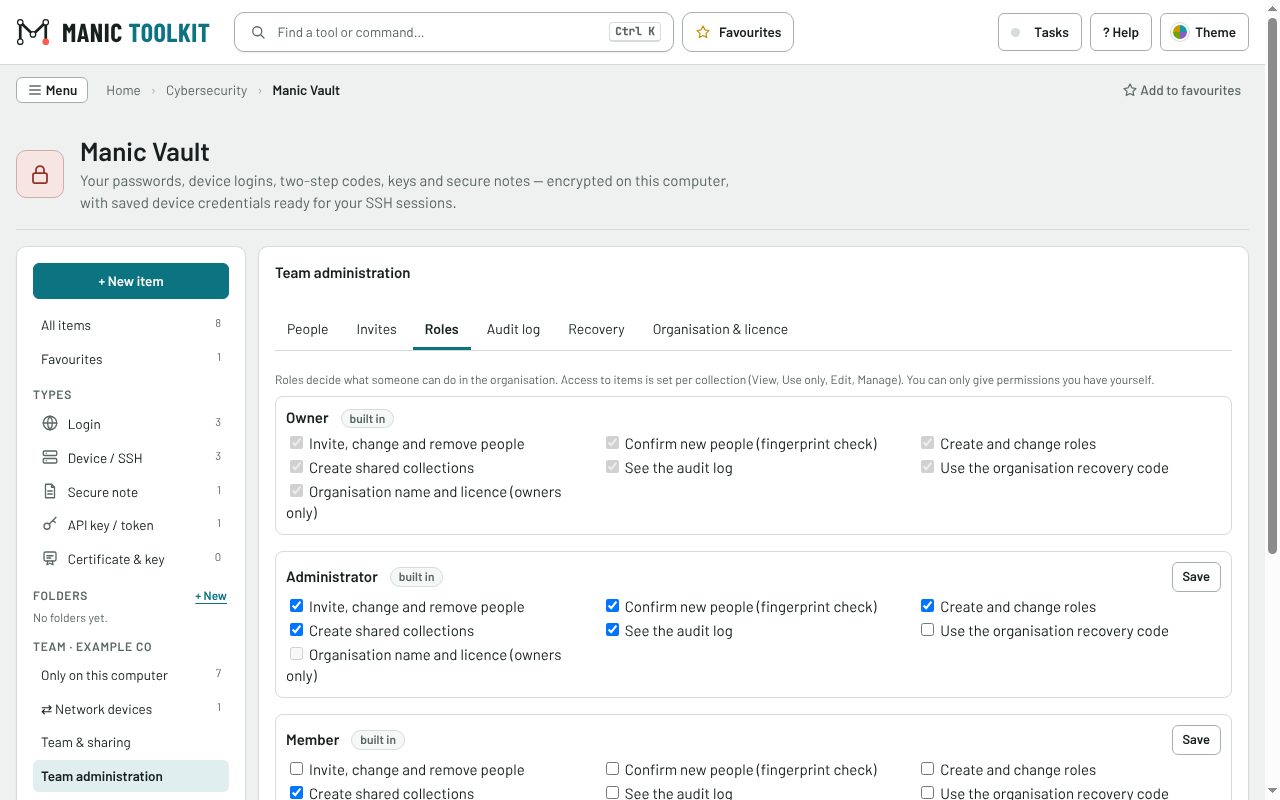
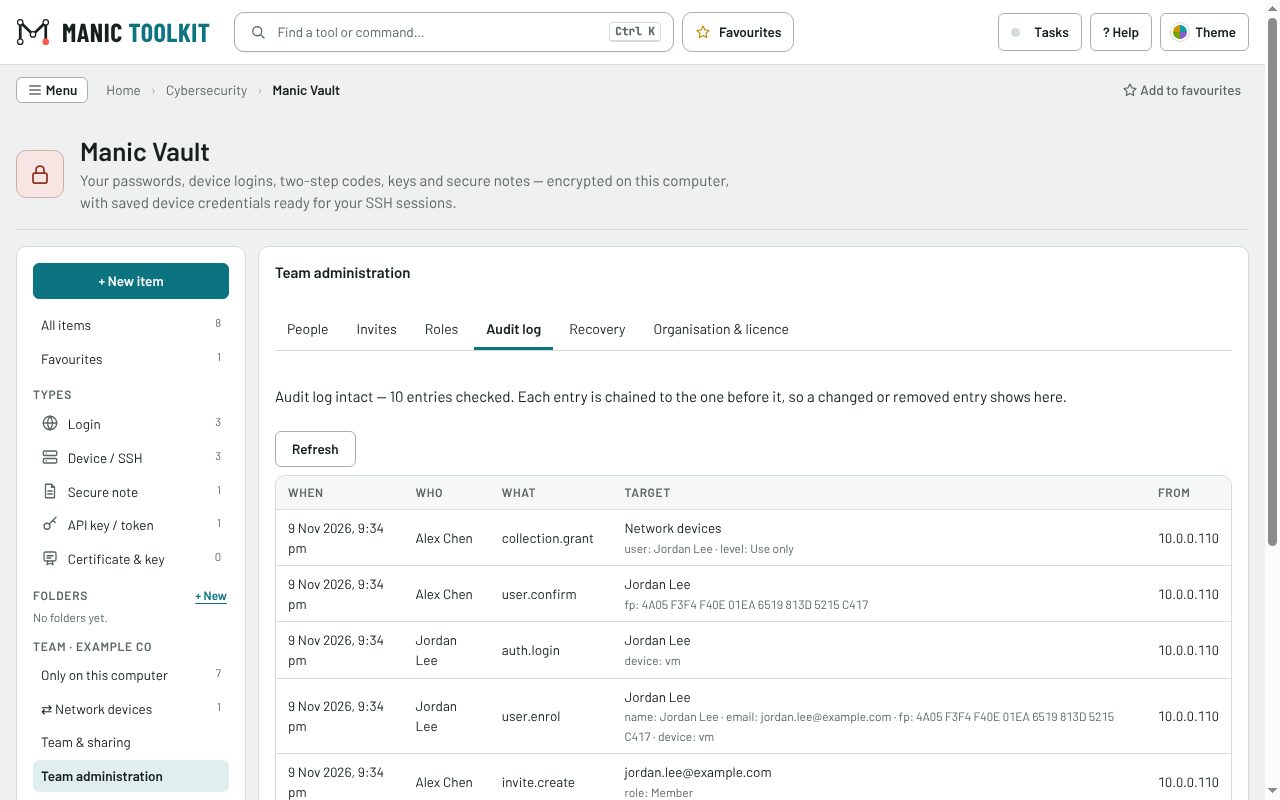
Your items, in one place Logins, device and SSH credentials, API keys and notes, all encrypted on this computer with your master password.A device credential A switch login with its address and notes; passwords stay hidden until you choose to show them.Password generator Make strong random passwords or easy-to-type passphrases without leaving the app.Password health Weak and reused passwords are listed so you can fix them before they cause an incident.Organisation recovery code Shown once when you create the organisation. Keep it safe: it can open shared items if every owner is lost. (Blurred here.)Team overview Your organisation, its server and its shared collections on one screen.A shared credential The shared item sits in its collection, with the access level and who changed it last.Invite a person Create a one-time invite link for each person. (Blurred here.)The new member waits to be confirmed The new member sees their key fingerprint and waits until an administrator confirms it, by phone or in person.Confirm the fingerprint The administrator types the fingerprint the person reads out. A mismatch is refused, which blocks anyone in the middle.Members and access levels Each person gets an access level per collection, for example use only, so they can sign in without ever seeing the password.What the member sees The shared collection appears on the member's own computer, decrypted there with their own key.Roles Built-in roles plus your own, each with exactly the permissions you choose.Audit log Every sign-in, invite, share and change is recorded in a log where each entry is chained to the one before it.
Ready to try it?
A zero-knowledge password-sharing server for Windows Server or Linux, used from Manic Vault in the Manic Toolkit apps.